Lumis
⚠️ WARNING: No Auto Anything! ⚠️
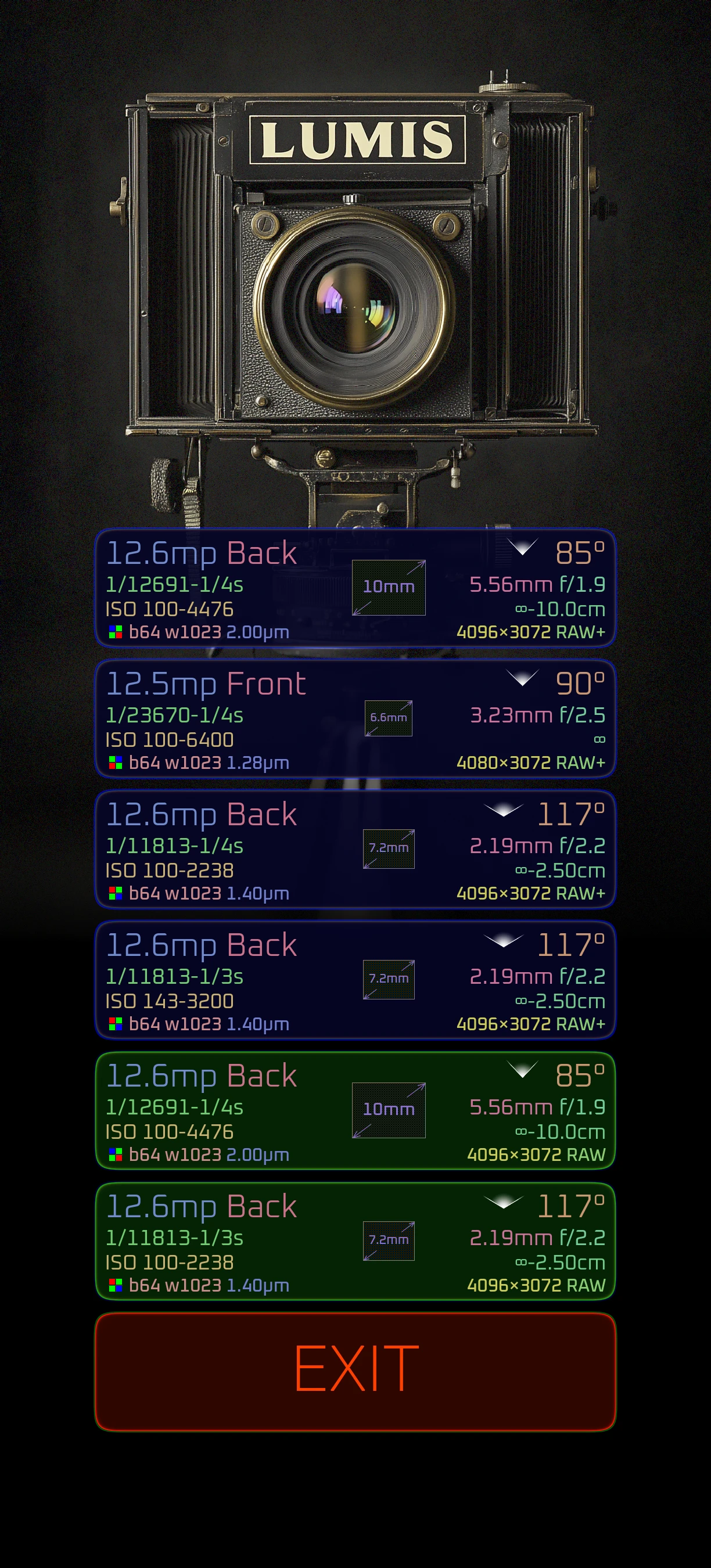
Full Manual Camera for Android
You want auto-focus? Auto-exposure? Auto white balance? Look somewhere else!
Android · v0.2.6 · no Google account needed · other options
A fully manual camera app for pixel peepers who demand complete control over every photon hitting the sensor. No compromises. Just pure stochastic linear goodness.
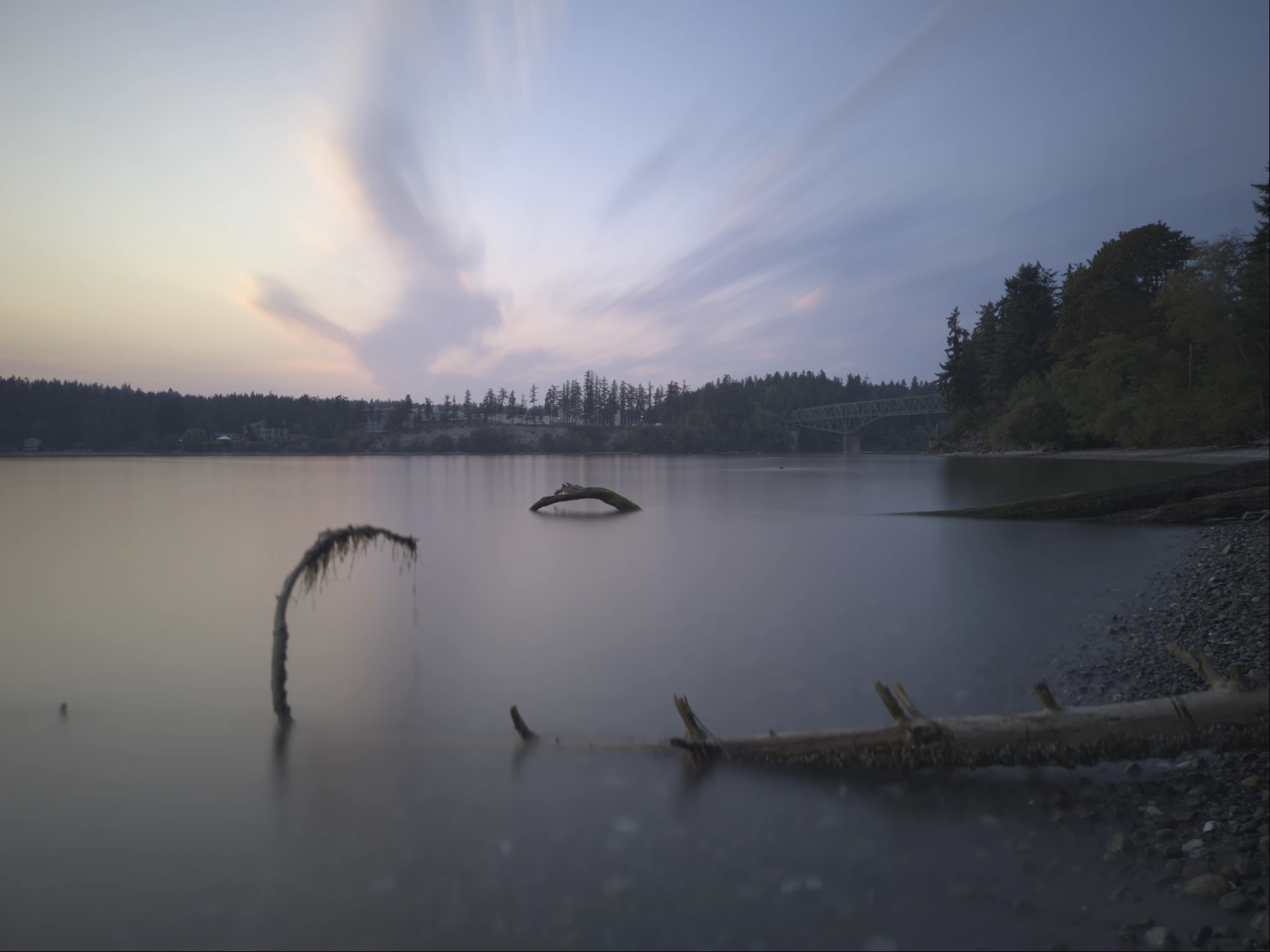
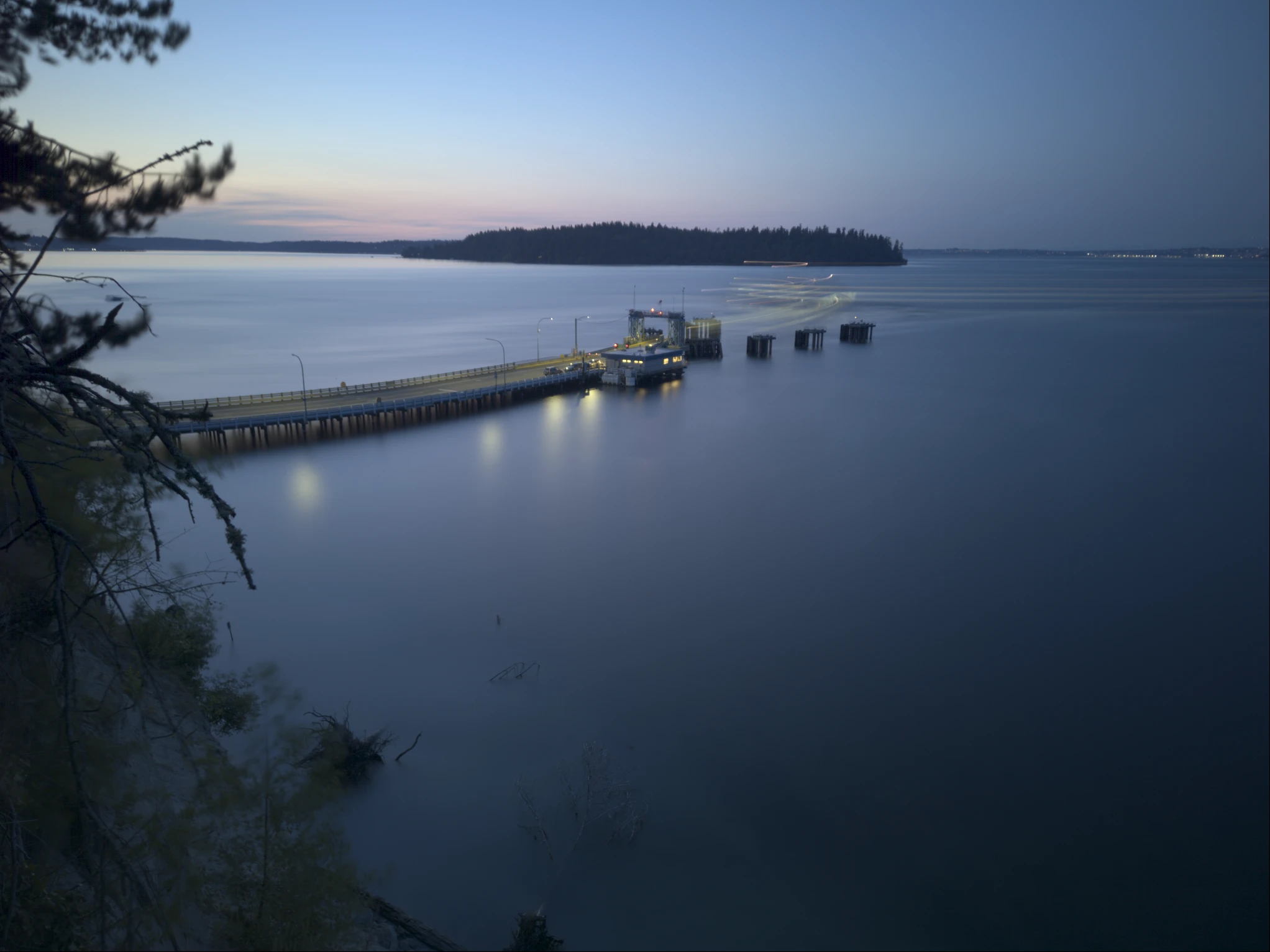
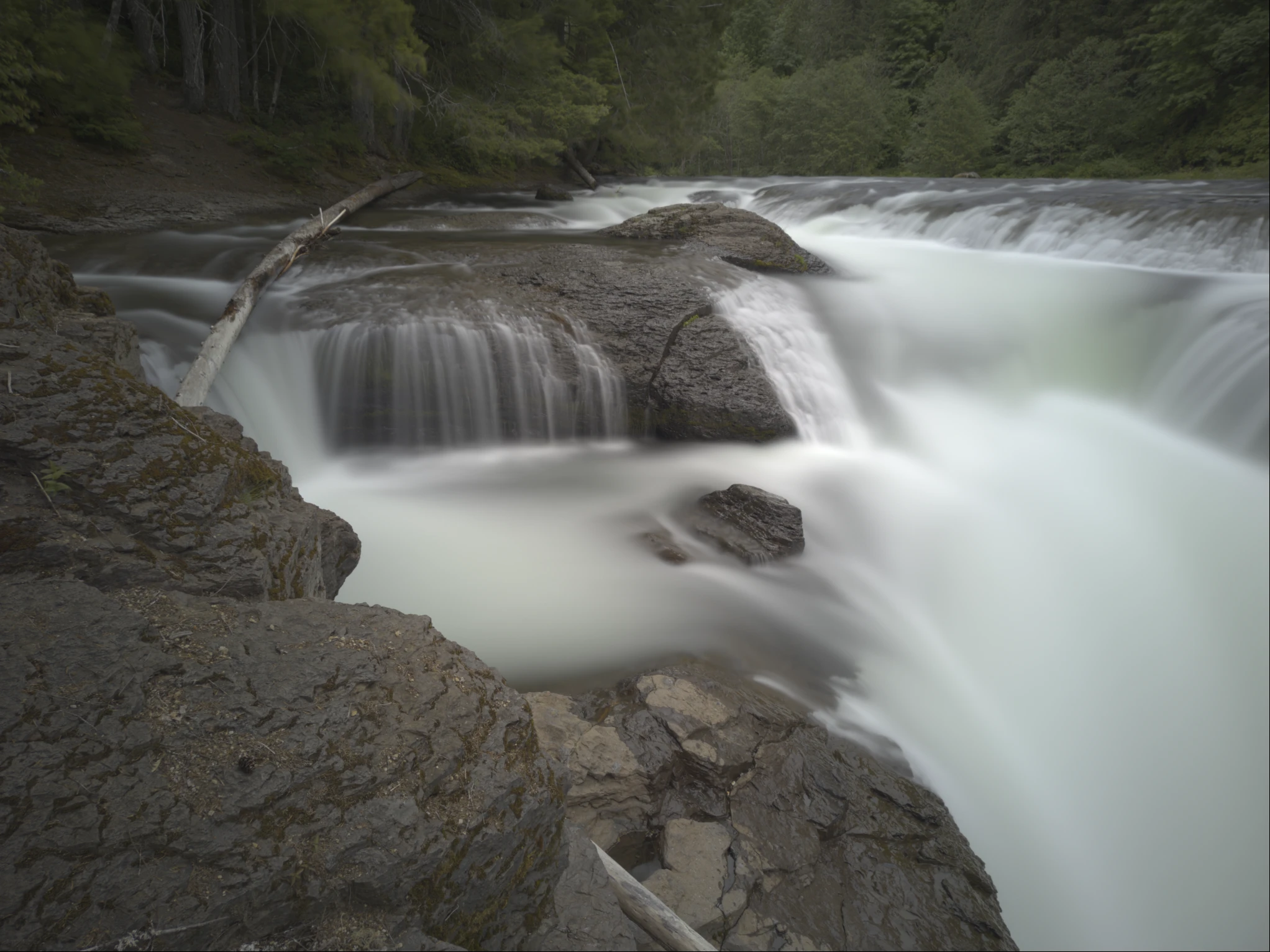
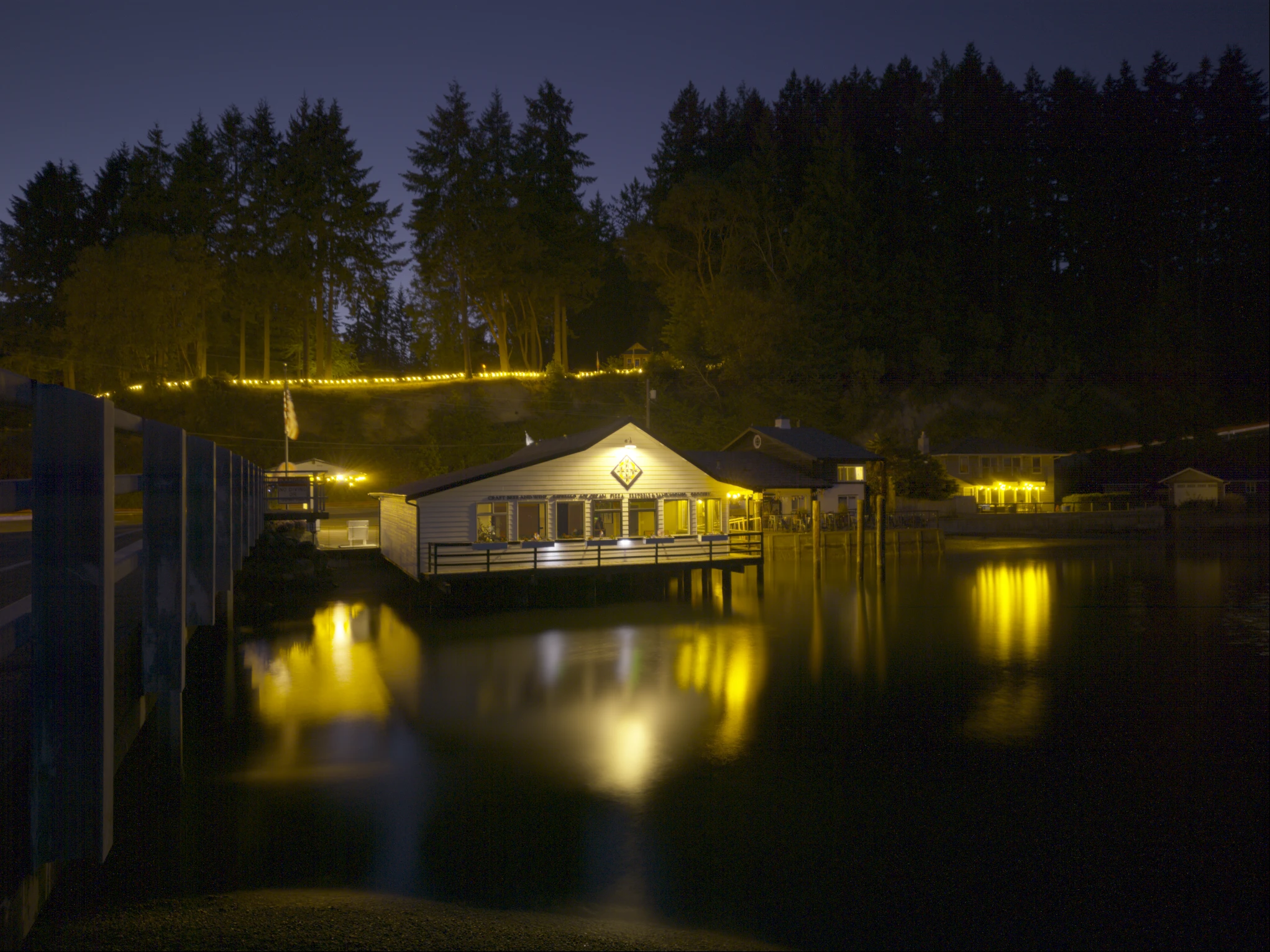
All images here were created with Lumis and full resolution RAW .dng's are available for download.
Click any image below to download the original image and examine yourself!
Features
100% Manual Control
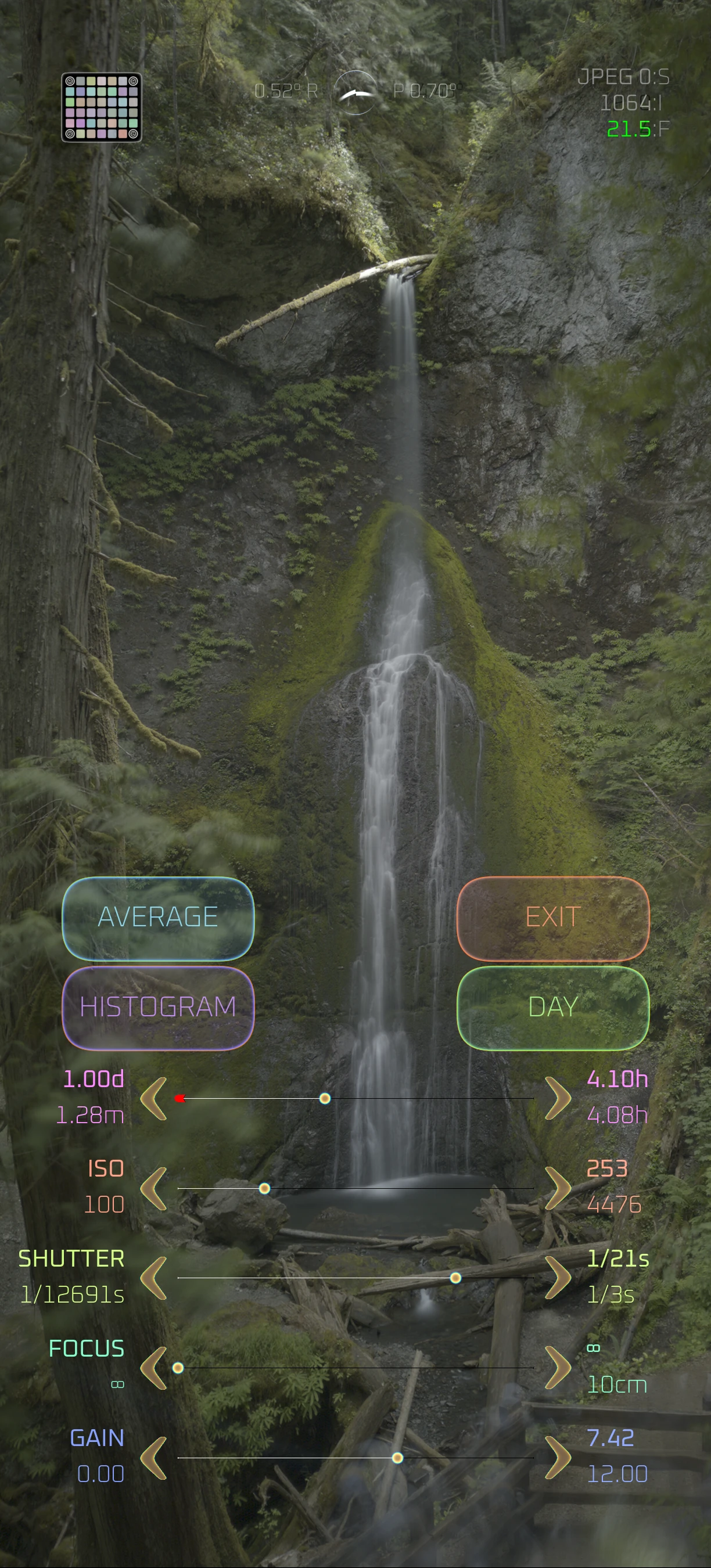
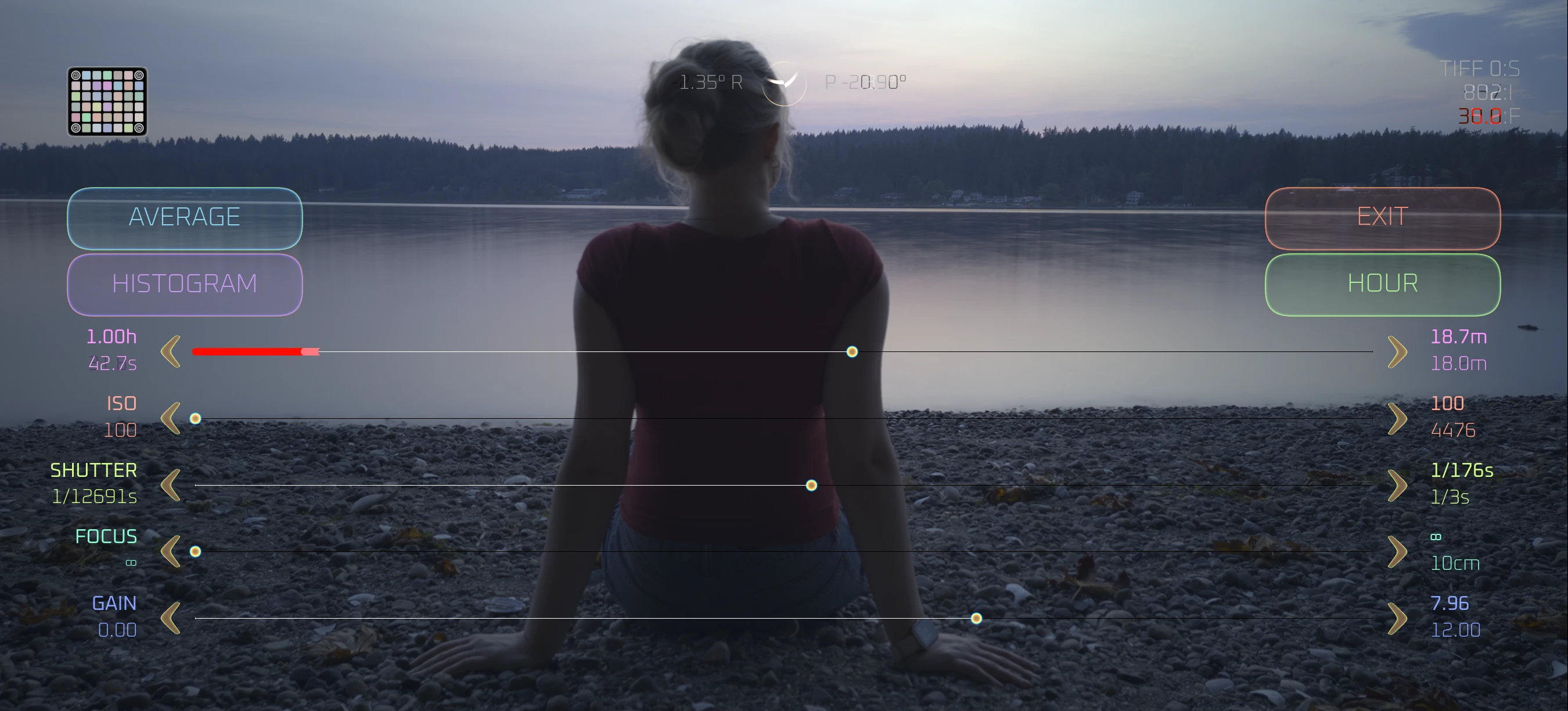
Full granular control over ISO, shutter speed, focus distance, and exposure time. No auto modes. Period.
Pure RAW Capture
Direct sensor readout with zero processing. No tonemapping, noise reduction, sharpening, or colour adjustments.
Reeeely Long Exposure Support
Accumulate frames over durations from a fraction of a second to a whole year, with mathematically perfect precision. Stack enough light and your effective ISO drops below 1 - dynamic range no single exposure can reach.
Computational Modes
Frame averaging (long exposure), difference sum, motion extraction, and photo-finish slitscan.
True 16-Bit, Wide Gamut
Captures save as VSF by default: the sensor's counts untouched, each plane packed at the bit depth its counts need. Or 16-bit raw DNG and 16-bit TIFF, error-diffusion dithered rather than truncated. Rec.2020 wide gamut end to end, from the live preview to every export.
Bring Your Own Calibration
Shoot your own per-sensor dark-frame calibration on-device to strip fixed-pattern noise, dark current, and hot pixels. Scan a VERICHROME target for scene-referred spectral colour.
Photo-Finish Slitscan
A scrolling time-strip where the vertical axis is time. Freeze it with a Bluetooth remote to inspect or save, then resume where it left off.
Pixel-Peep Zoom
Tap to zoom to a 1:1 raw-pixel view and pan around - inspect the actual sensor mosaic, hot pixels, and noise before you commit.
Silent Shooting
Mutes notification sounds and vibration while you shoot - without touching your media volume - and releases the instant you leave the app.
Computational Modes
Long Exposure
Frame averaging for noise reduction and making water look delightful
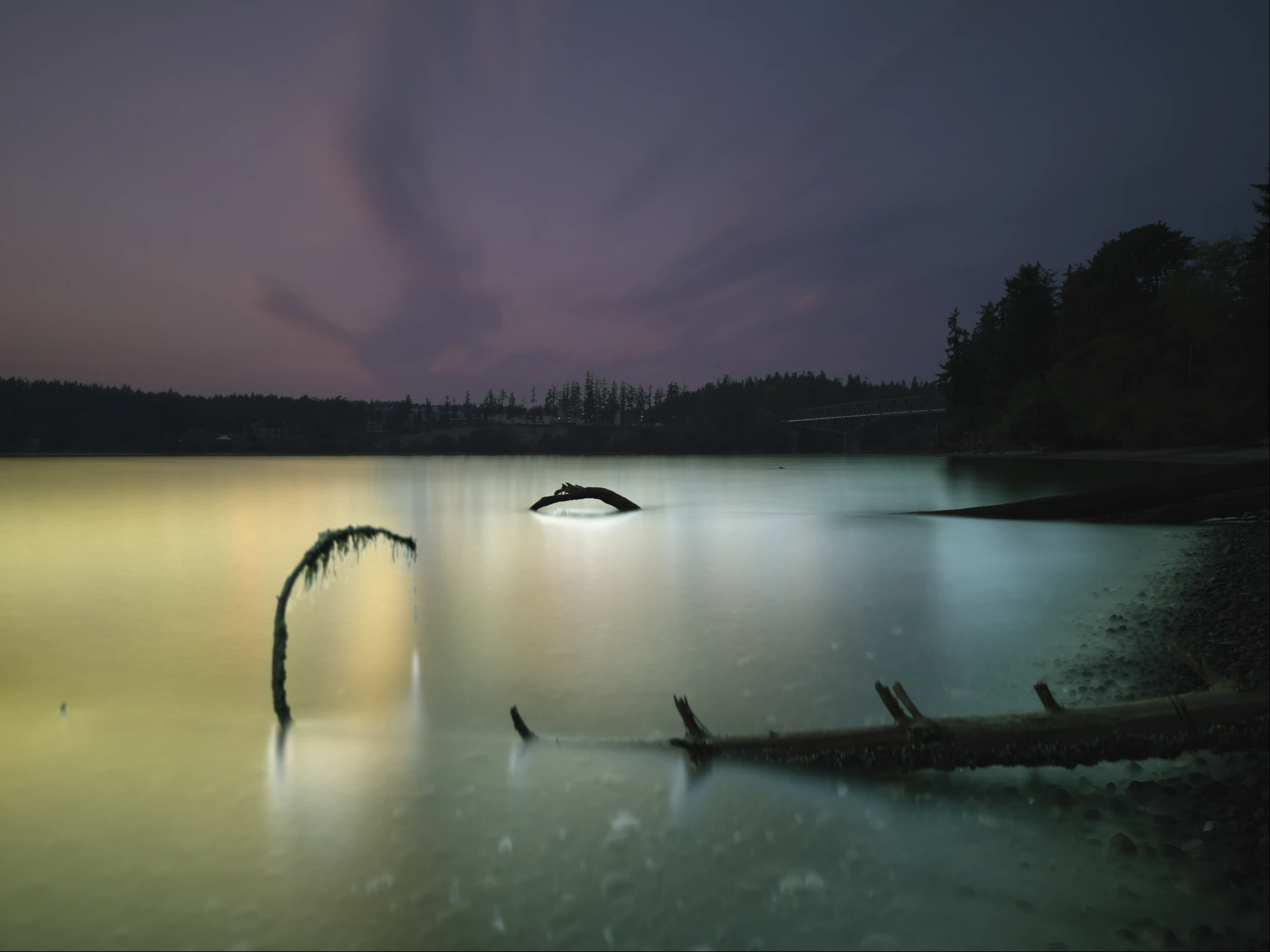
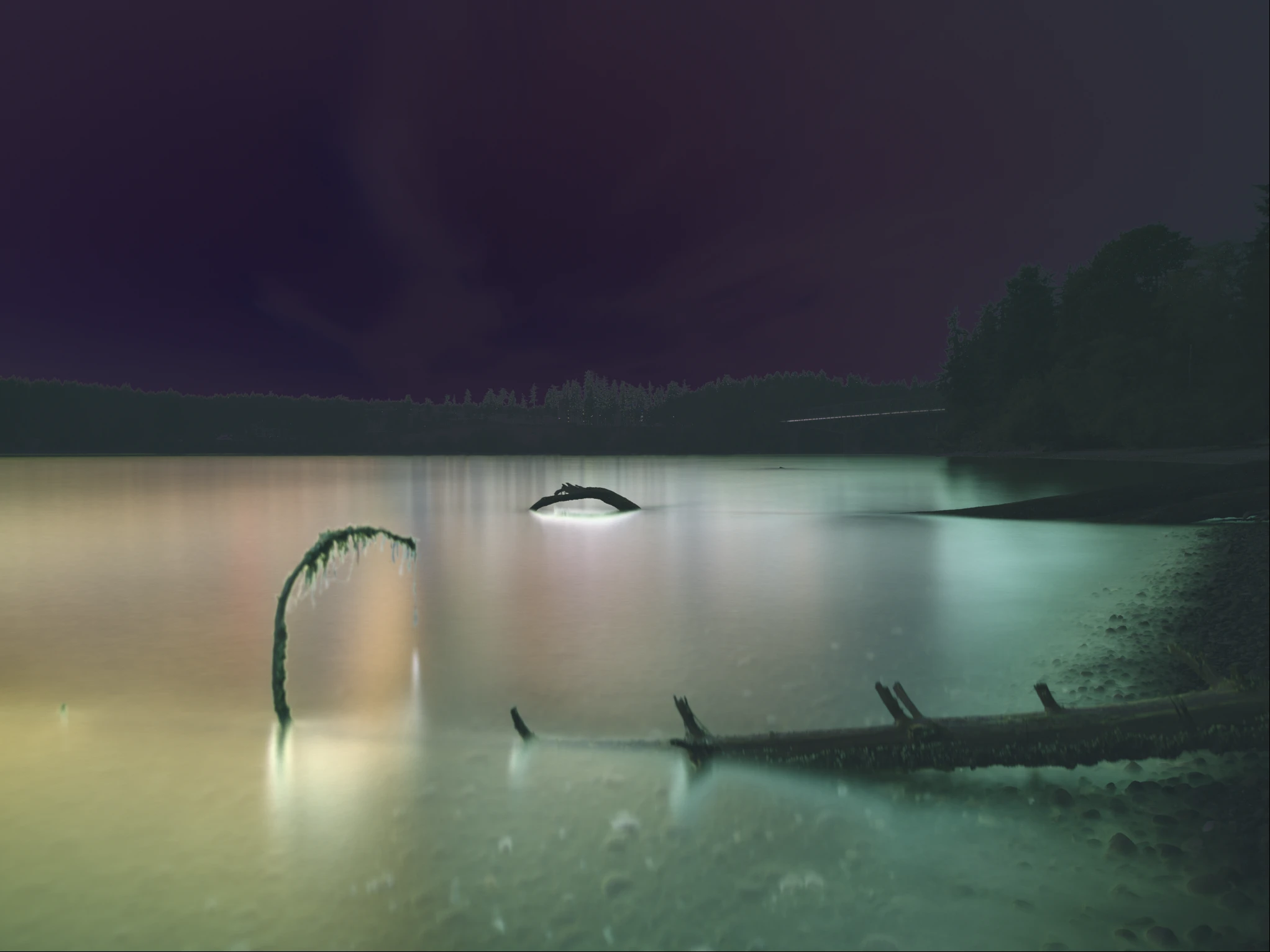
Difference Sum
Captures frame-to-frame differences highlighting scene changes
Motion Extraction
Isolates only moving elements, invariant of brightness
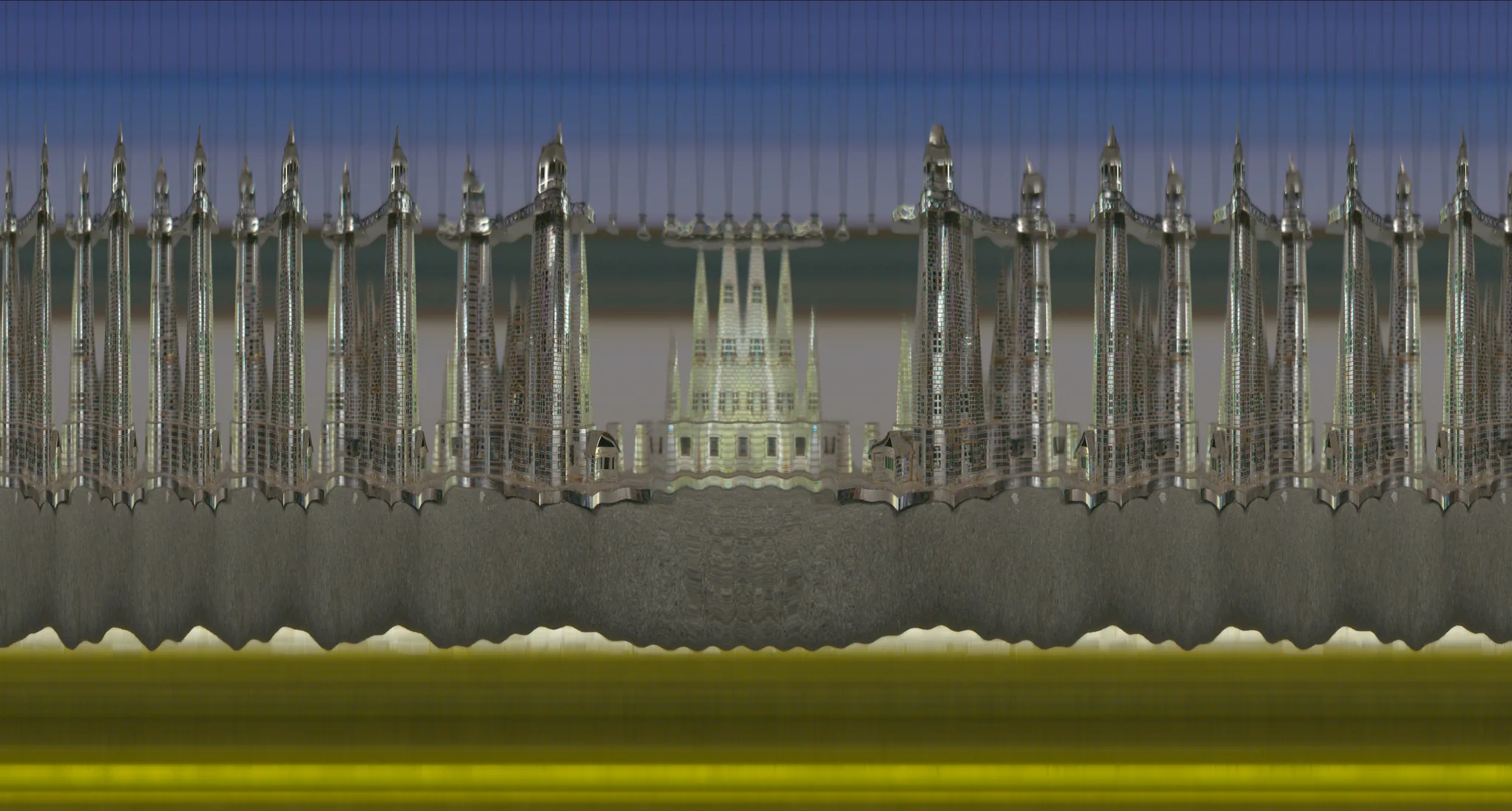
Slitscan
Photo-finish time-strip: one integrated slit per moment, stacked into a scrolling record where the vertical axis is time
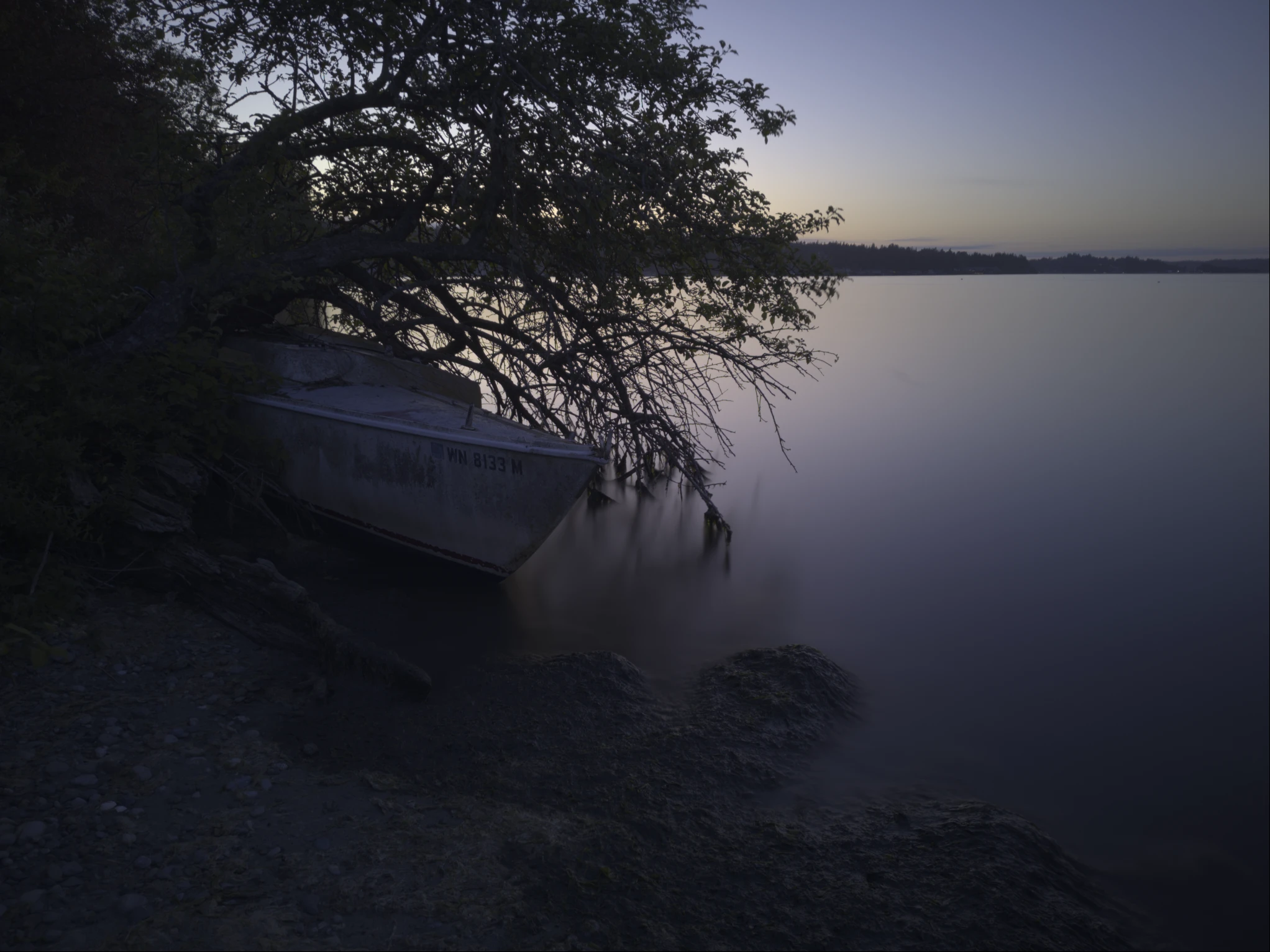
More Samples!
Beautiful Histograms!
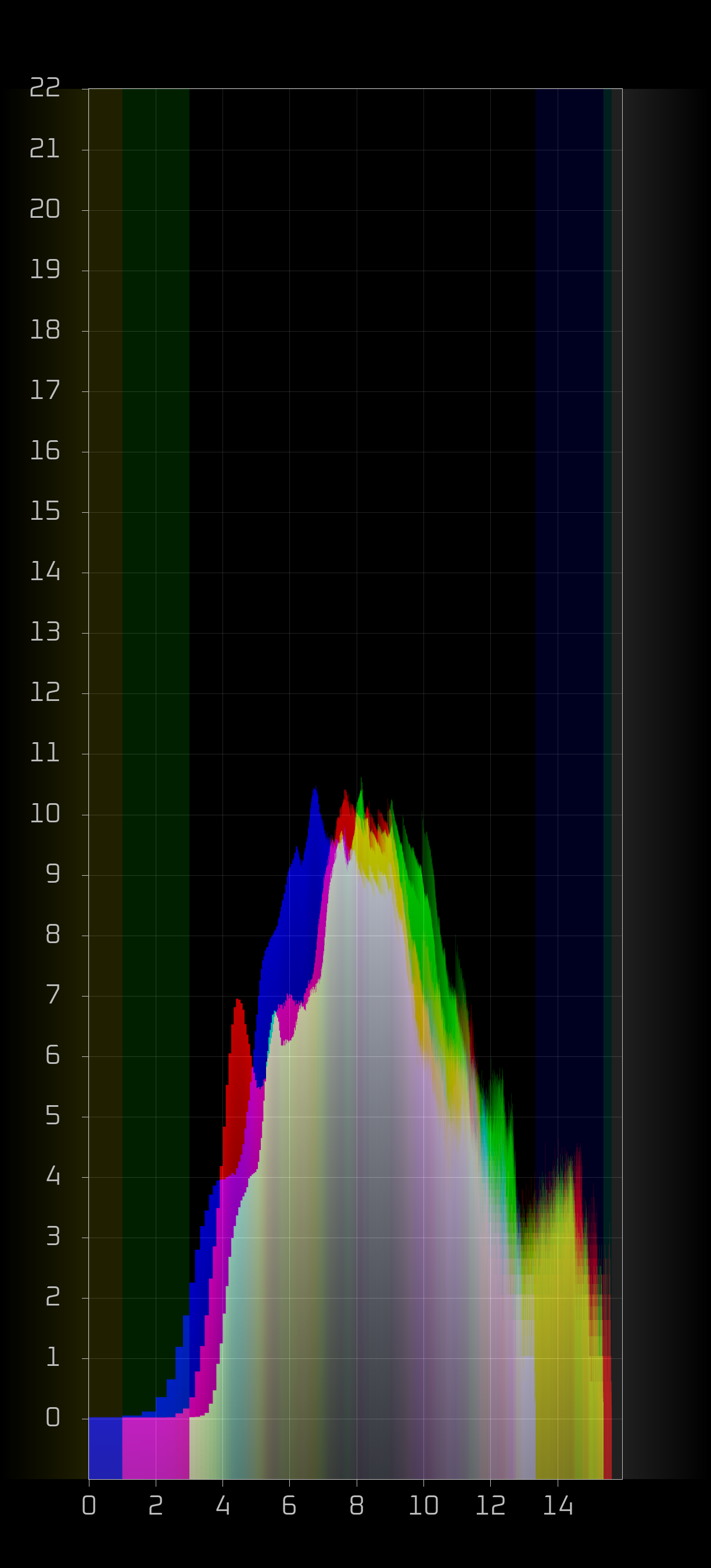
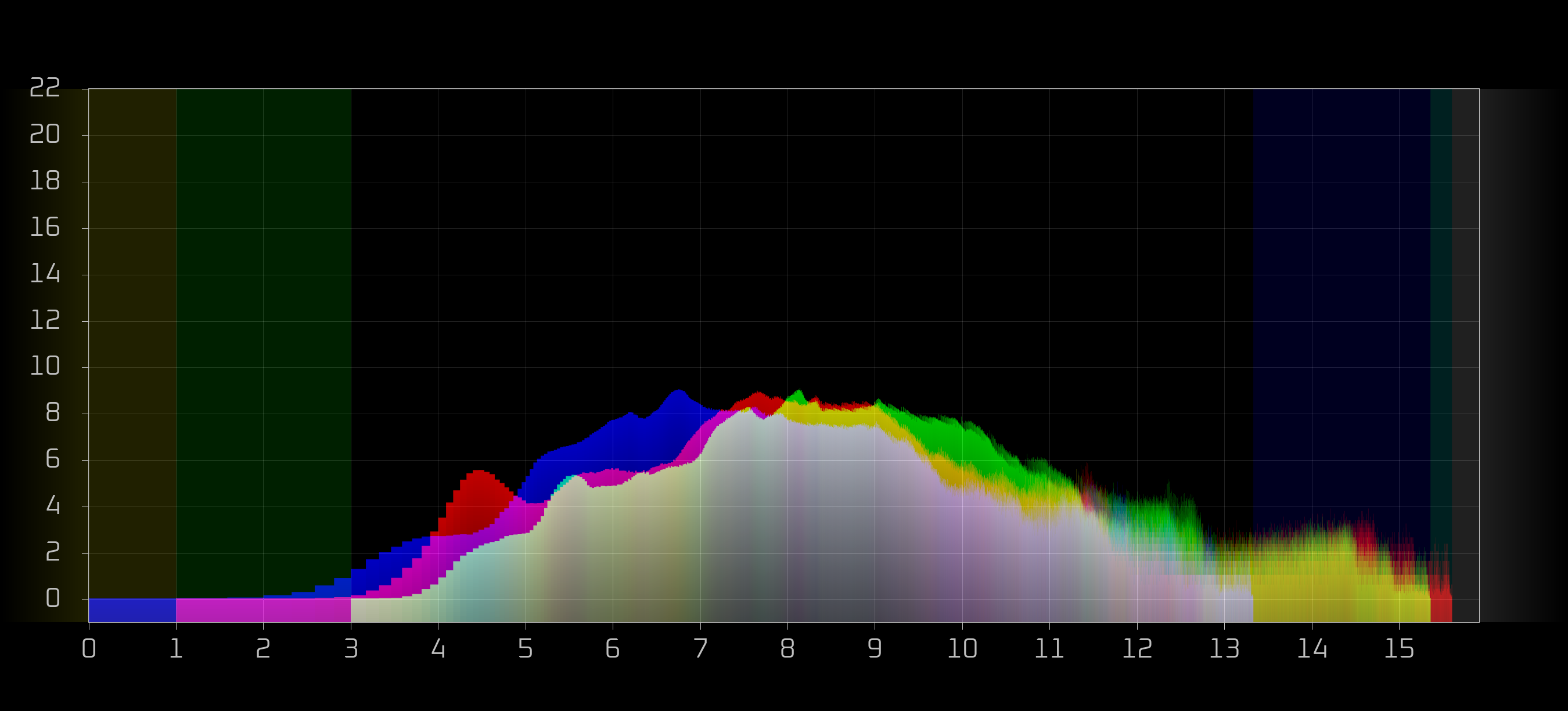
Dual-logarithmic histogram with adaptive horizontal oversampling and anti-aliasing. Both axes aligned and scaled in powers of 2 for measurement in stops. Per-channel clipping warnings in left (underexposed) and right (overexposed), ADC gap correlation and scaling.
DSR™ Spectral Colour Calibration
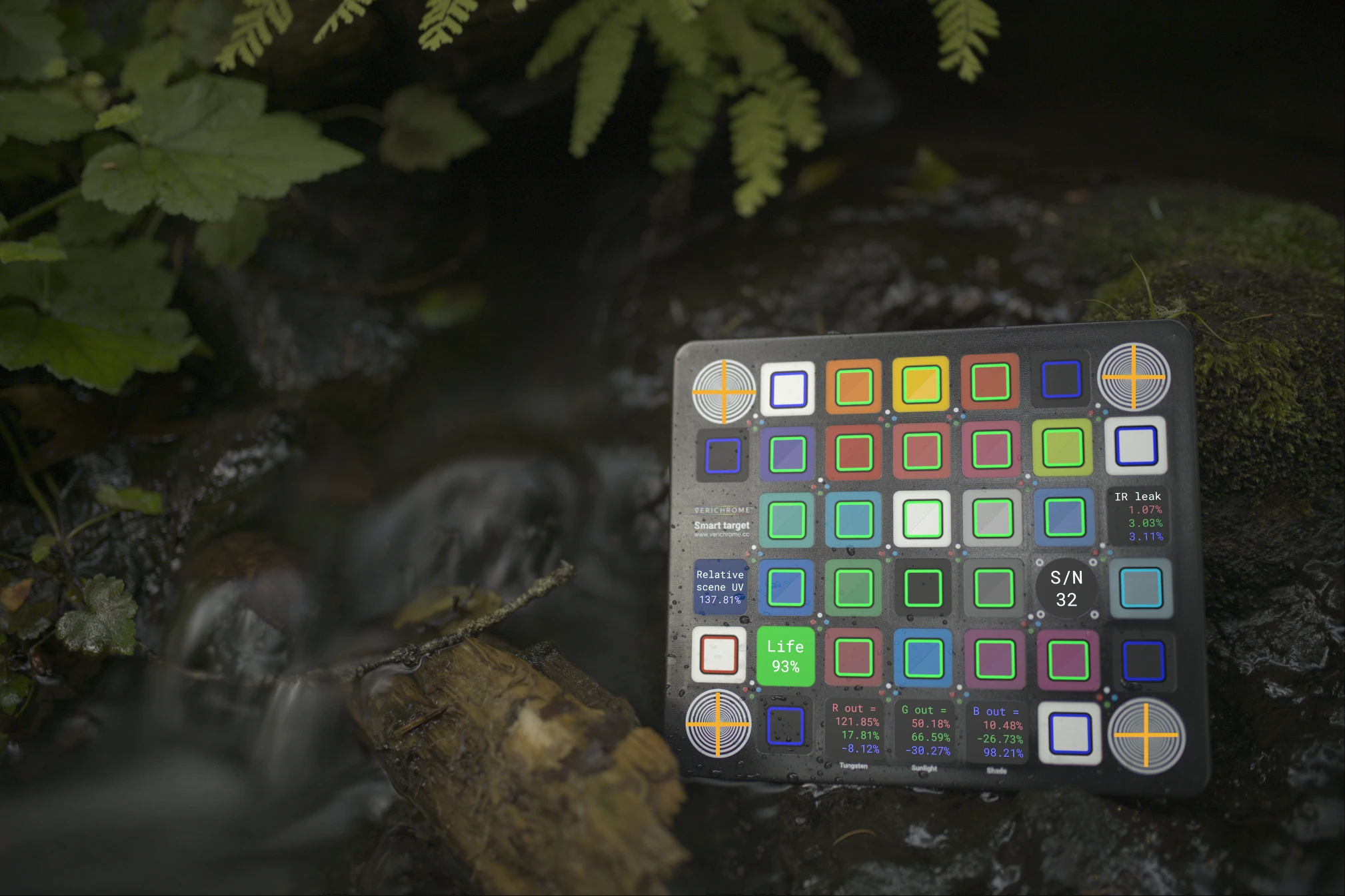
VERICHROME spectral calibration target. Automated FFT-based alignment, polynomial vignette correction, IR contamination, fluorescence based ambient UV measurement and lifetime remaining indicator. Direct Scene-Referred™ profiling completely bypasses Android's camera characterization for total spectral accuracy in literally any lighting condition.
Technical Architecture
- As much Rust as possible, only Kotlin where required
- Rendering: Custom spectral imaging pipeline
- Per-sensor dark-frame calibration (bias + dark-current subtraction, ISO/exposure scaled) with hot-pixel reconstruction, applied to every output format
- Integer accumulation buffers for zero loss
- Stochastic dithering on output to preserve gradients
- Ratio Corrected Demosaicing for RGB exports, plus a purpose-built quad-Bayer demosaic for maximum-resolution (Tetracell) sensors
- VSF (the default), 16-bit raw DNG, 16-bit TIFF, JPEG, and lossless JPEG XL output; the chosen format is remembered between launches; self-verifying VSF calibration files
- Dual-process, zero-copy architecture: a dedicated camera process shares one memory buffer with the interface, no per-frame copying
- Quad-Bayer (Tetracell) maximum-resolution capture, tagged with its true 4x4 colour-filter pattern
- Photo-finish slitscan capture with run/pause and a wrap-around 1:1 pixel inspector
- Linear sensor output - no tone curves applied EVER
- No 'pretty' colour science
- No sharpening or edge enhancement
- No artificial contrast curves
- No saturation boosts
- No computational HDR or exposure fusion
- No AI "enhancement" or machine learning
- No lens distortion correction
- No automatic vignette compensation
- No hidden hot-pixel removal - reconstruction happens only from your own dark-frame calibration, when you choose to load it
- No chromatic aberration adjustment
- No proprietary look tables or film simulations
- No mystery processing pipelines
- No perceptual rendering - just physics and math
Requirements
- Android device with Camera2 API support
- Camera with RAW capture capability
- Android 5.0 (API 21) or higher
- Excitement to shoot FULL MANUAL
Why Manual Only?
Because automation is a lie told by cameras that don't trust you to know what you're doing.
Auto-focus picks the wrong subject. Auto-exposure blows highlights or crushes shadows.
Auto white balance makes everything look like a fluorescent office. These aren't conveniences - they're constraints designed for people who don't care about the final image.
Lumis doesn't make decisions for you. It doesn't "enhance" your photos into algorithmic mush.
It doesn't apply mystery processing pipelines that turn sensor data into computational guesswork. It captures photons, counts them, and gets out of your way.
If you want a camera that thinks it's smarter than you, use literally any other app. If you want uncompromising control over every aspect of image capture, you're in the right place.
Coming: signed at capture
Every photograph now arrives under suspicion, and the industry's answer is a badge issued by a consortium — provenance you rent from an authority that can revoke it.
Lumis is getting the other answer. Sign the frame at capture with your own passless identity: a key that lives on your device, that nobody issued and nobody can take back. The signature covers the raw sensor data and the capture metadata together, so the claim is not "this isn't AI" — it is "this exact sensor readout came off this camera, and here is the person who stands behind it." Verifiable by anyone, forever, with no service in the middle.
Which is the same bet as the rest of this work: identity you own beats a badge you are granted. A camera is just where it matters most.
Install
Version: 0.2.6 · Updated: 2026-10-10
Direct Download (APK)
12 MB. No store, no account, no middleman.
Enable "Install unknown apps" in Settings if prompted
Captures save as VSF files in Download/Lumis. Open them with Opsin, free and open source at github.com/nickspiker/opsin, or tap the format counter at the top right to save DNG, TIFF, JPEG or JPEG XL instead. Lumis remembers your choice.
All development funded by community contributions - fully auditable on-chain.
Open source: github.com/nickspiker/lumis
Changelog
2026-10-10 · v0.2.6
Captures now save as VSF by default, VERICHROME's own container: the sensor's counts exactly as integrated, the capture facts, and the colour characterization, with nothing demosaiced, stretched or baked in. Each plane is packed at the bit depth its counts need, so a single 10-bit frame costs 10 bits a sample. VSF files land in Download/Lumis, because Android's photo library only accepts image types it already knows; open them with Opsin, or tap the format counter to save DNG, TIFF, JPEG or JPEG XL, and Lumis remembers your pick. Every lens is now its own camera in the files it writes (the phone model plus the camera id), so a calibration made on the main lens never applies itself to the ultrawide. And you can see whether a lens is calibrated: the counters read CAL in green when a dark-frame calibration is loaded for the current lens and NO CAL when it isn't, and the lens menu marks every calibrated lens.
2026-10-08 · v0.2.5
Two-button Bluetooth remotes get a proper save button: the down arrow now saves the current image - or, if continuous save is running, stops it - while the up arrow still completes the exposure early. And the phone finder answers every time. With the screen off, pressing the remote rings the phone so you can find it, but it only worked some of the time: the finder shared a process with the camera, Lumis shuts the camera down whenever you leave it, and Android took each of those shutdowns as the finder crashing and waited longer and longer to bring it back - after a few camera sessions it could be gone for minutes. It now runs on its own, out of reach of the camera's shutdown.
2026-09-19 · v0.2.4
White clouds export white. Cranking display gain and saving used to leave highlights that refused to reach white no matter how far you pushed; gain now rides the colour matrix exactly as the live preview always did, so blown means white in JPEG, JPEG XL, and TIFF. The histogram answers the button: pressing it mid-exposure used to wait for the next integration to finish - hours, in hours mode - and now it computes right away from the last finished image. Smooth skies in the live preview, which now dithers its display quantization instead of contouring gradients into bands. And a third the download: a build byproduct and stray debug info had been riding along in the APK, bloating it to nearly 38 MB - it's back down to 12.
2026-07-23 · v0.2.3
Absolute colour by default fixed. Kotlin code glitch caused provided magic to get written over by an identity. Fixes green-heavy image; now Lumis properly reads the camera's own colour characterization. If a target is not found, an identity is used in place.
2026-07-22 · v0.2.2
DSR™ colour calibration is now near-instant. Lining up a target used to pause for the better part of ten seconds while the on-screen overlay was redrawn pixel by pixel; that same warp now runs on the graphics chip AND at screen rez, rather than full sensor rez, so the guide snaps onto the target and a full calibration finishes in about a second. Long exposures run cooler and draw less battery now: the preview no longer repaints the whole screen dozens of times a second while it waits on a frame - it holds still until something actually changes, and the level indicator stops thrashing on tiny sensor jitter. Apart from what the camera hardware itself draws, the phone stays noticeably cool thru a long shoot. And the BLE pan mount picked up a touch of polish - its battery voltage now reads right on the spin-rate slider.
2026-07-19 · v0.2.2
Landscape gets its screen back: the six control buttons now sit in a single row - three on the left, three on the right - instead of three stacked rows, so the control block is two rows shorter and much more of your frame stays visible while you shoot. Slitscan's 1:1 zoom now scrolls with the scan the way the fit view always has - the newest line holds still on screen and fresh columns arrive at it, instead of the crop sticking to the buffer while the scan marched through. And Lumis now pairs with our BLE motorized pan mount: bring one in range and a spin-rate slider appears in the live view (rev/min and minutes-per-rotation readouts, fine-trim arrows), with no pairing dialogs - the connection is discovered, authenticated, and silent unless you move the slider.
2026-07-11 · v0.2.1
Manual focus now works on far more devices. Many camera pipelines quietly refuse to drive the lens on a RAW-only capture session - the slider did nothing and focus sat parked past infinity. Lumis now configures the full pipeline, so the lens follows the slider live. Slitscan got a matching overhaul: the preview renders thru the same pipeline as every other mode, pinch-zoom stays anchored on the region you grabbed instead of scrolling away, and highlight/shadow clipping indicators work. Plus on-screen save buttons - single save and a continuous mode that saves every completed integration - and a subtle magenta guide line in the normal view marking exactly where the slitscan band samples, so you can line up the shot before switching modes.
2026-07-01
Fixed image rotation in embedded thumbnails and previews. File-manager icons and galleries now show the right way up. Full-resolution image data still stays in native sensor orientation with the rotation recorded in the orientation tag (nothing baked in or thrown away); only the small preview is turned upright. Applies across DNG, TIFF, JPEG, and JPEG XL.
Questions?
Contact: fractaldecoder@proton.me